Professionals and teams
After a meeting or trade show, offer a profile people can find again and save to their contacts.
NFC business cardFor businesses in Algeria
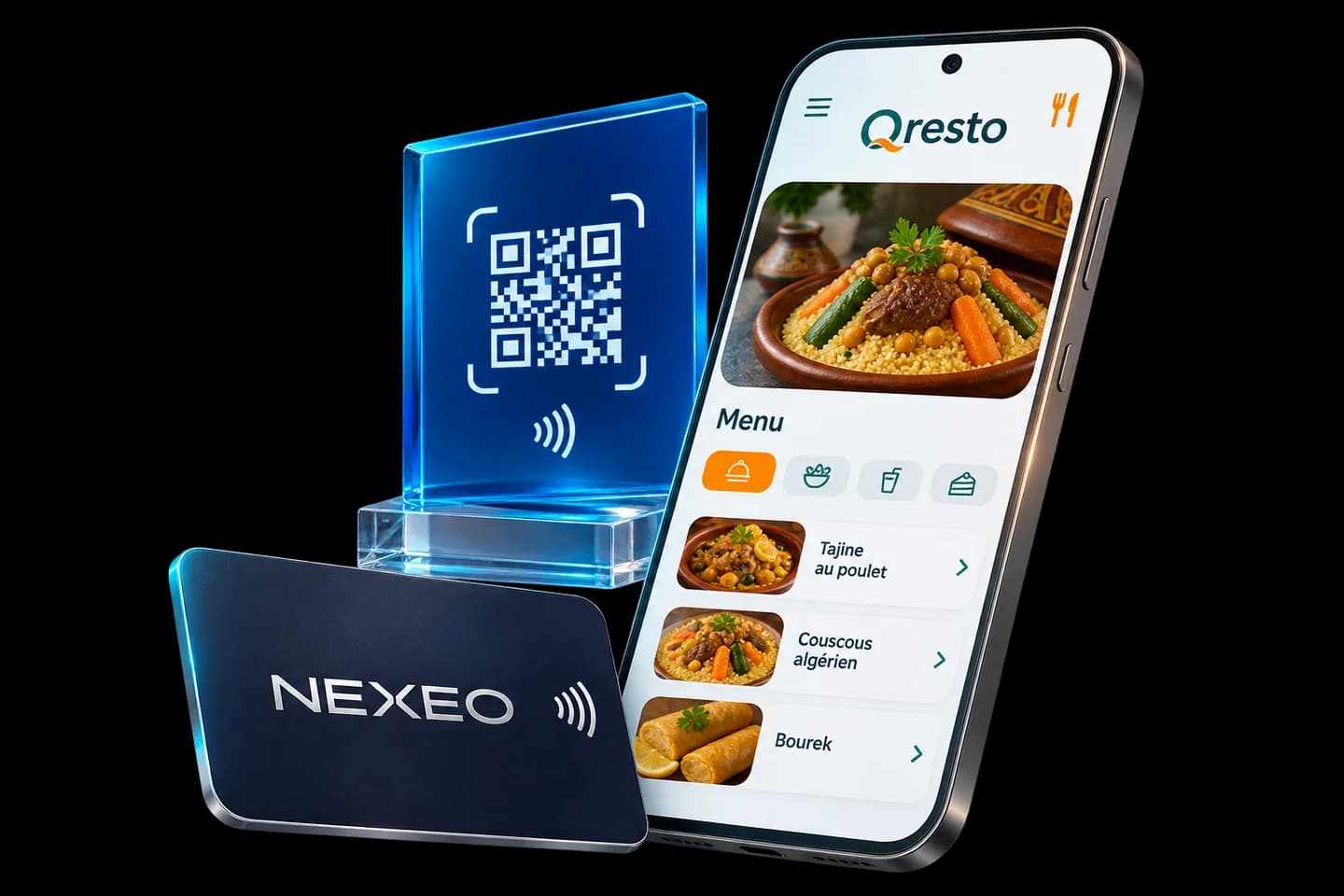
NFC business cards, social media plaques and Qresto QR menus for your meetings, counters and tables.
About
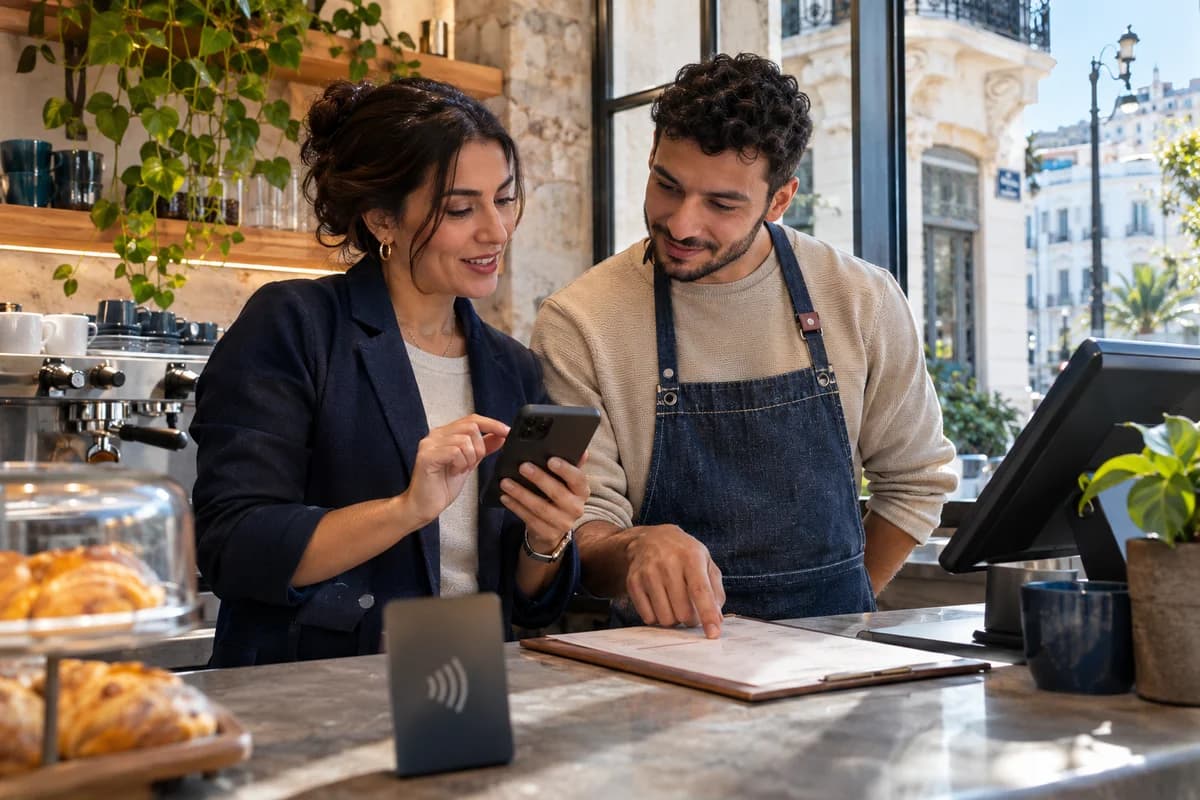
In Algeria, a conversation often continues on WhatsApp or Instagram. NEXEO connects that first exchange to what you want to share: your details after a meeting, your social accounts at checkout, or your menu at the table. Customers open it right on their phone.
SolutionsYour profile, ready to share.
A physical card opens your online business profile. The person you meet can find your contact details, social accounts, website and the services you choose to list.
View NFC cards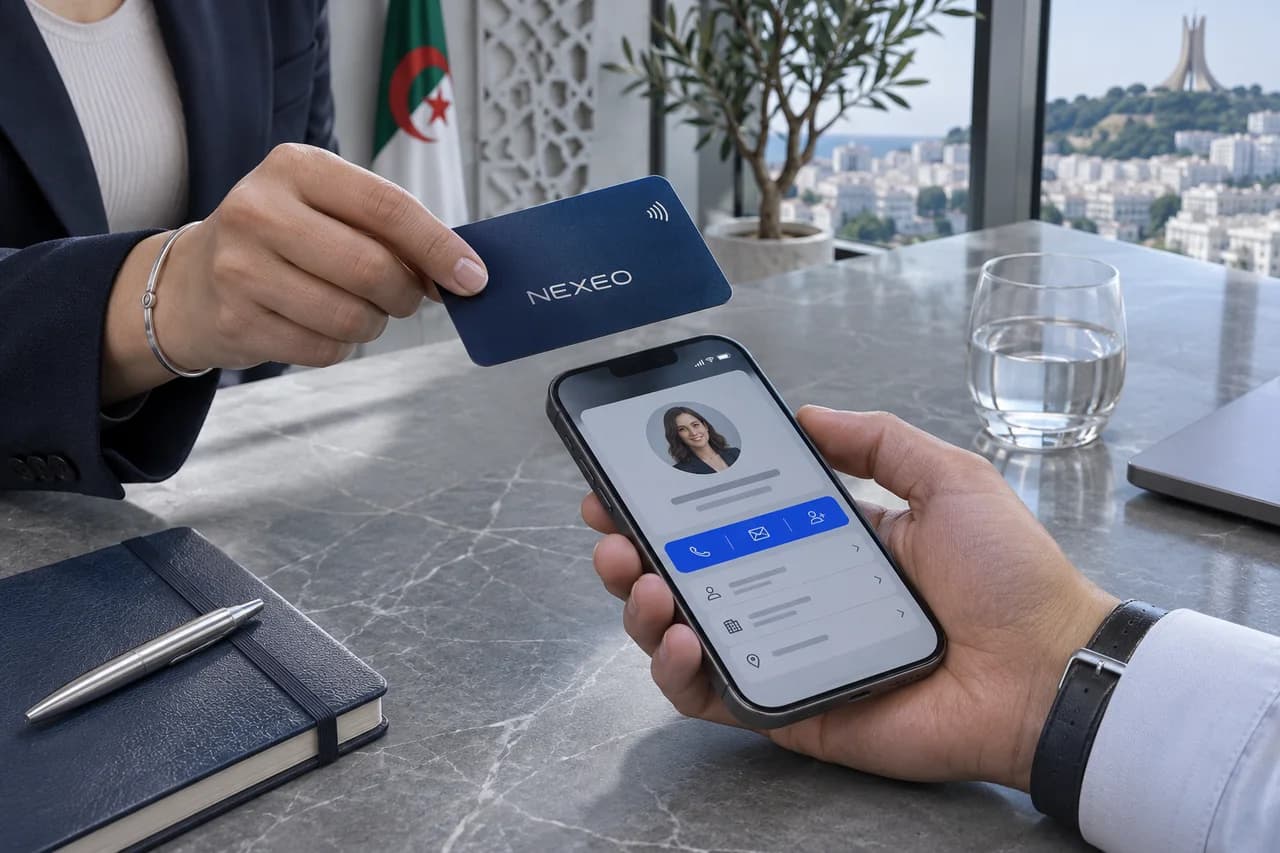
Hold your card near an NFC-enabled phone or show its QR code. The profile opens in the browser.
Your contact can save your details or open links such as WhatsApp, LinkedIn or your website.
Edit your details, links and services online. The same card opens the updated profile.
From your counter to your socials.
Put a plaque where you welcome people. Visitors can open the social profile or contact channel shown on it from their phone.
View NFC plaques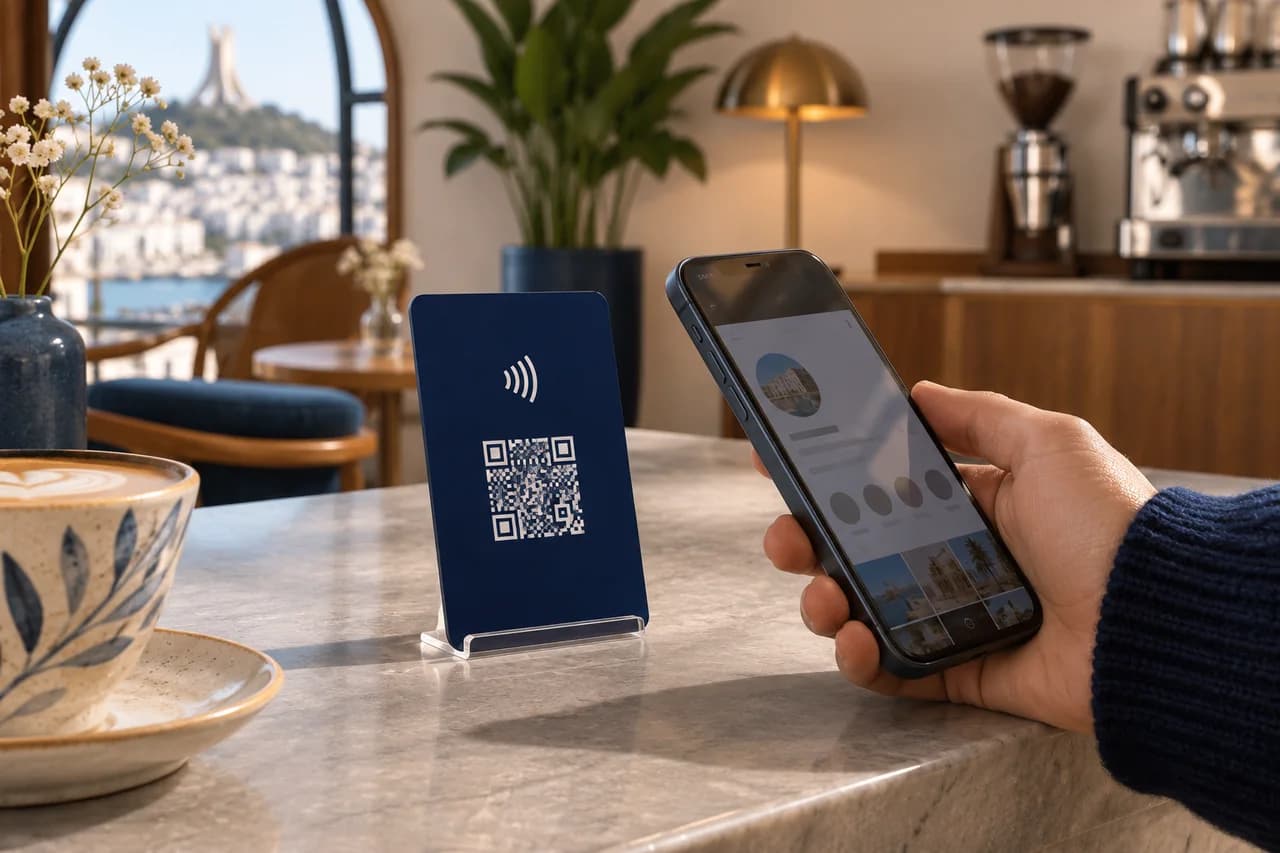
Direct visitors to a channel that suits your business, such as Instagram or WhatsApp, depending on your chosen model.
Place it at the checkout, reception desk or event stand where visitors can easily reach it.
They tap an NFC-enabled phone or scan the QR code on the plaque to open the destination.
Your menu as soon as guests sit down.
Guests scan a QR code to browse your menu on their phones. Your team can update dishes, photos and prices without reprinting the table signs.
Compare Qresto plans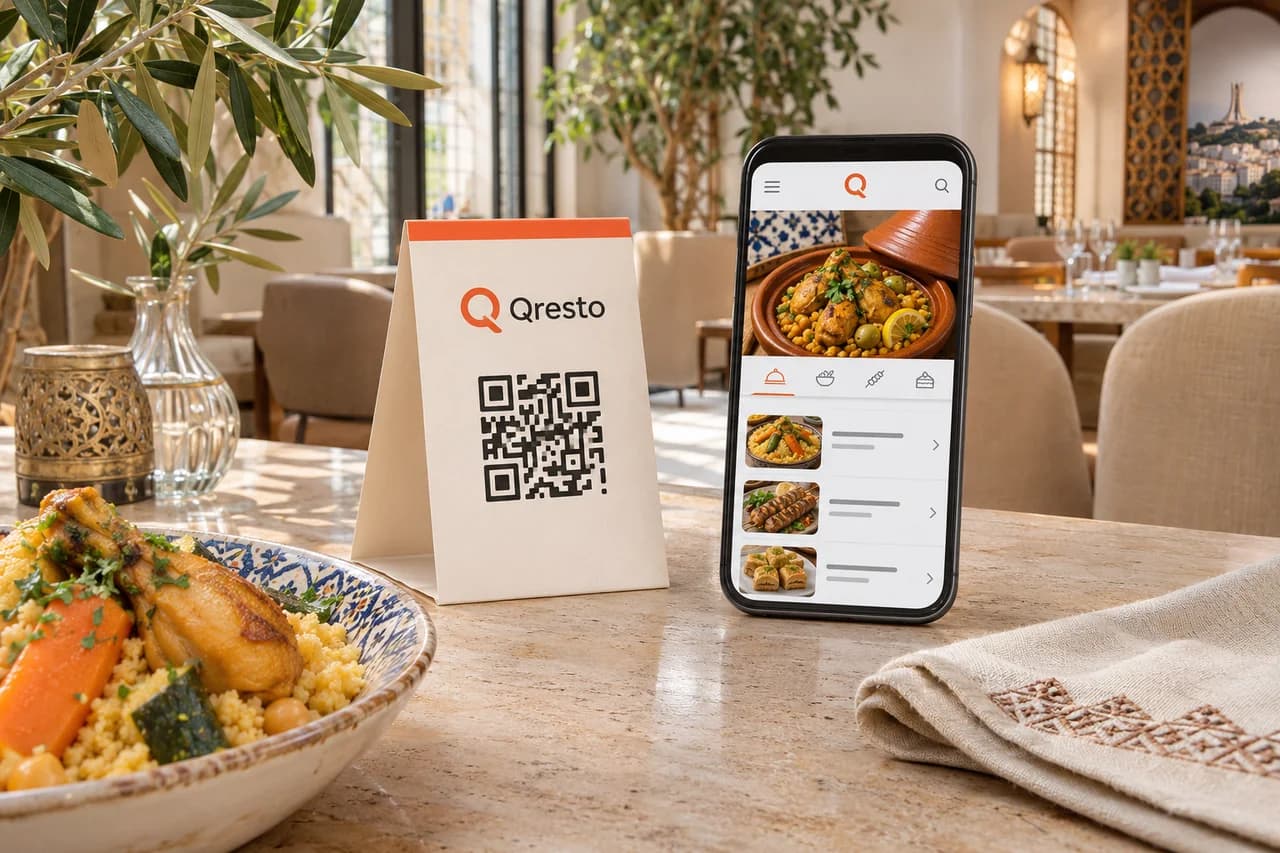
The menu opens in the browser so guests can browse categories, dish photos and prices.
Change dishes and prices, and add promotions or a daily special on supported plans.
On supported plans, guests can call a server or ask for the bill. Google review and analytics tools are also available.
Start with where you meet customers and what you want them to open on their phone.
After a meeting or trade show, offer a profile people can find again and save to their contacts.
NFC business cardAt checkout or at your booth, make it easy for visitors to find your social accounts during or after their visit.
NFC social media plaqueGive guests an up-to-date menu at the table and, on supported plans, a way to request service.
Qresto · QR menuNEXEO profiles and Qresto menus open in the browser. A plaque may open a social link in its app if installed, or in the browser.
Scan the card or plaque’s QR code with the phone camera. Qresto uses a QR code directly.
Yes. Update your number online. The next person who uses the card will see the new contact details.
Open the product page from its section. For QR menus, the Qresto page lists the plans and payment terms.
Looking for team cards with your logo, plaques for multiple counters, or a QR menu for your venue?
Message NEXEO on Instagram